
Brel Home Hub-04 Matter
- For all bidirectional motors
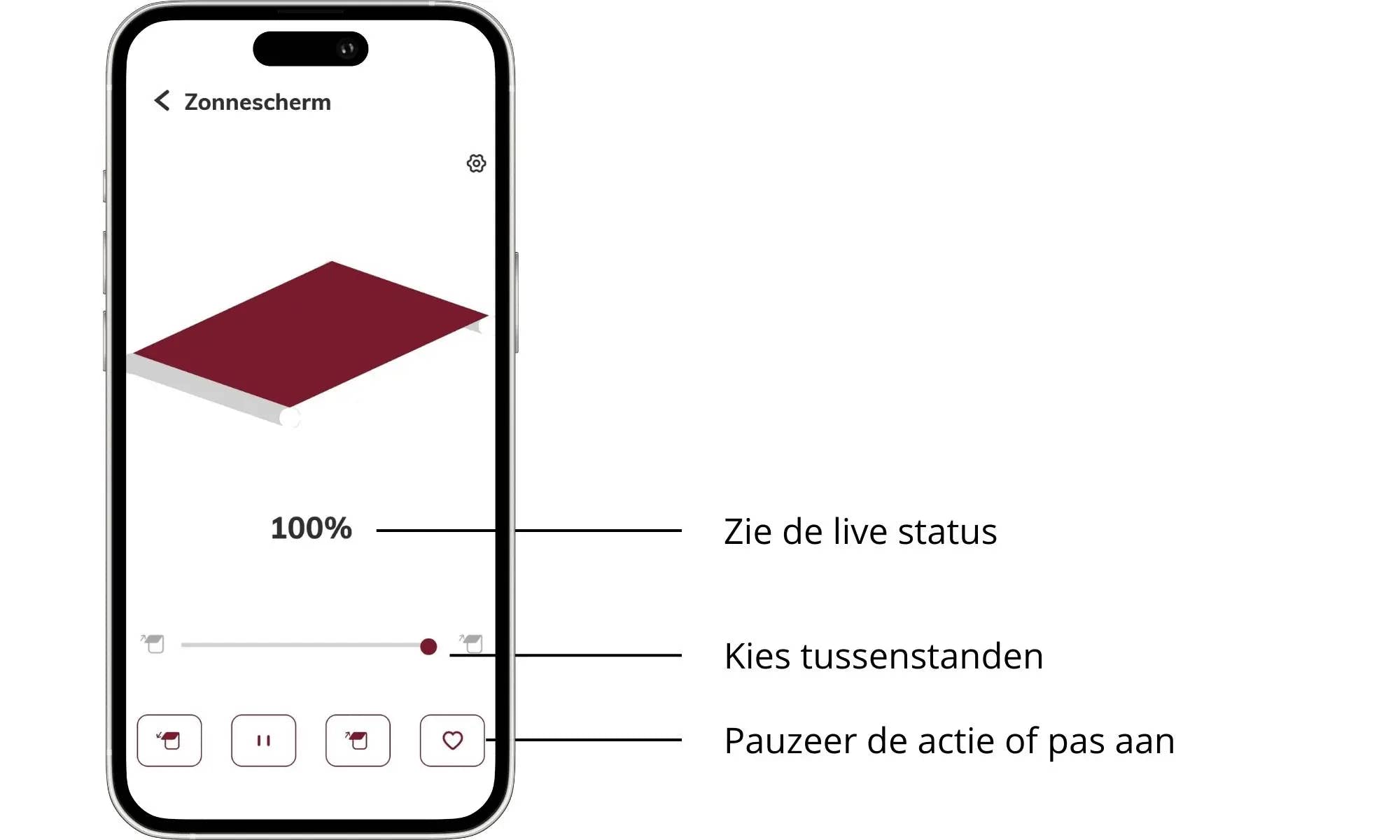
- Control your shading and see its position in the app
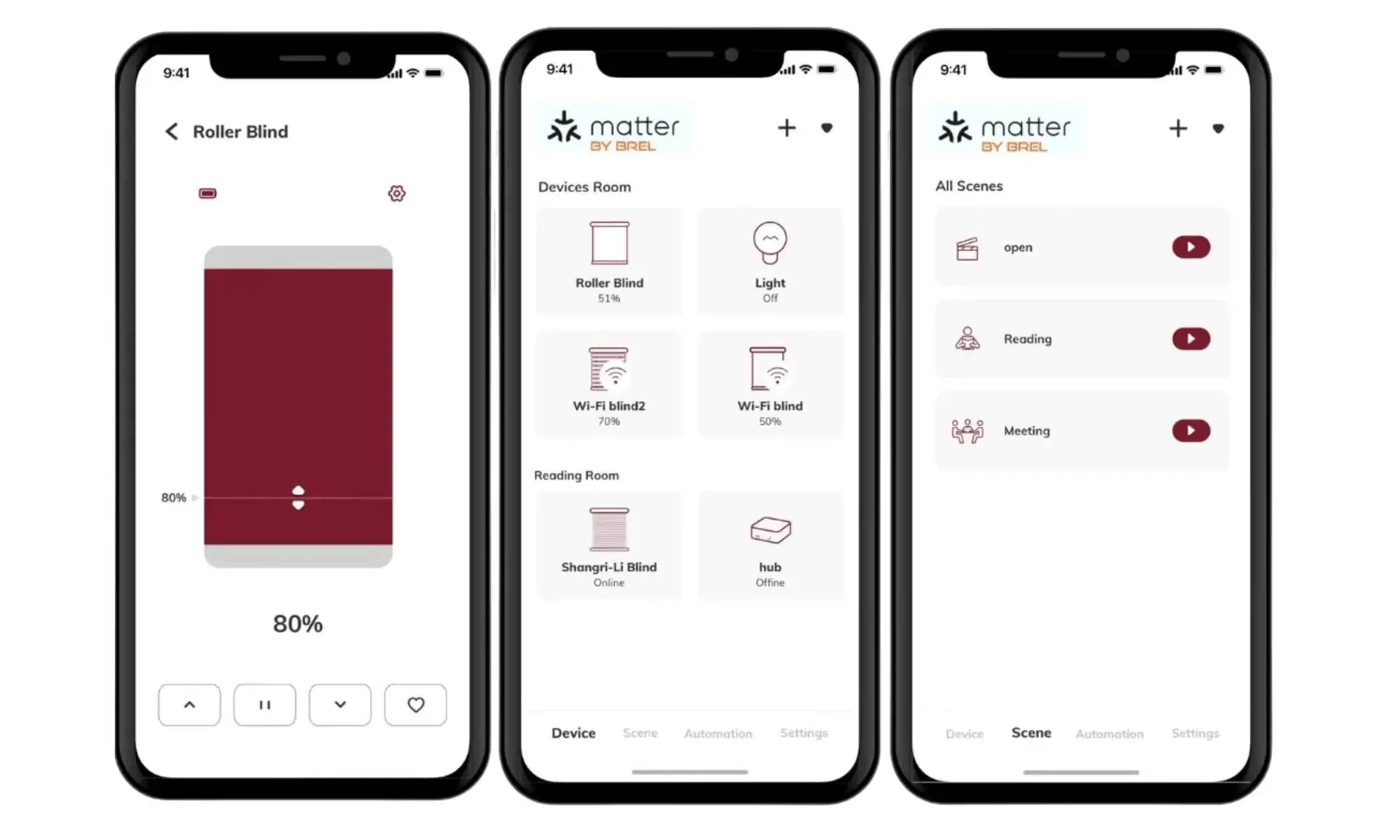
- Connect your smart home via Matter
Matching products
The RB400 is an optional signal booster for situations where the connection to a motor has insufficient range.
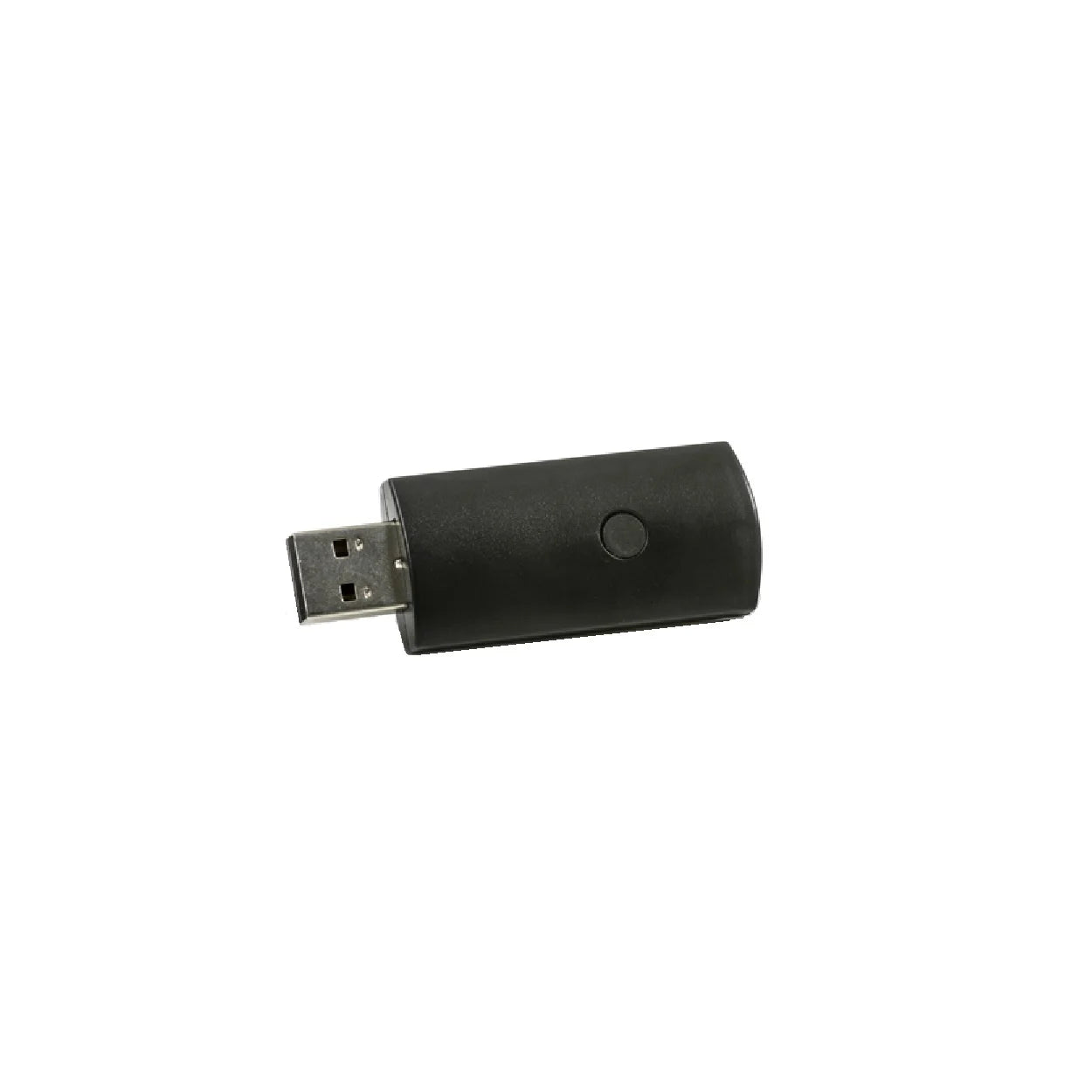
Brel Home Hub-04 Matter
If you have any questions, you can always contact us. We will respond as quickly as possible, at the latest within 24 hours on working days.
-
When will my order be shipped?
If the Hub 04 is in stock, we ship your order the same day. If it is temporarily out of stock, the estimated dispatch date shown next to the price applies.
-
Need help with installation?
View the installation steps and manual on this page. Need help? Send us a WhatsApp message or email info@sterkzonweringen.nl.
-
Contact us
Need help? Feel free to call us on 035 203 13 14.
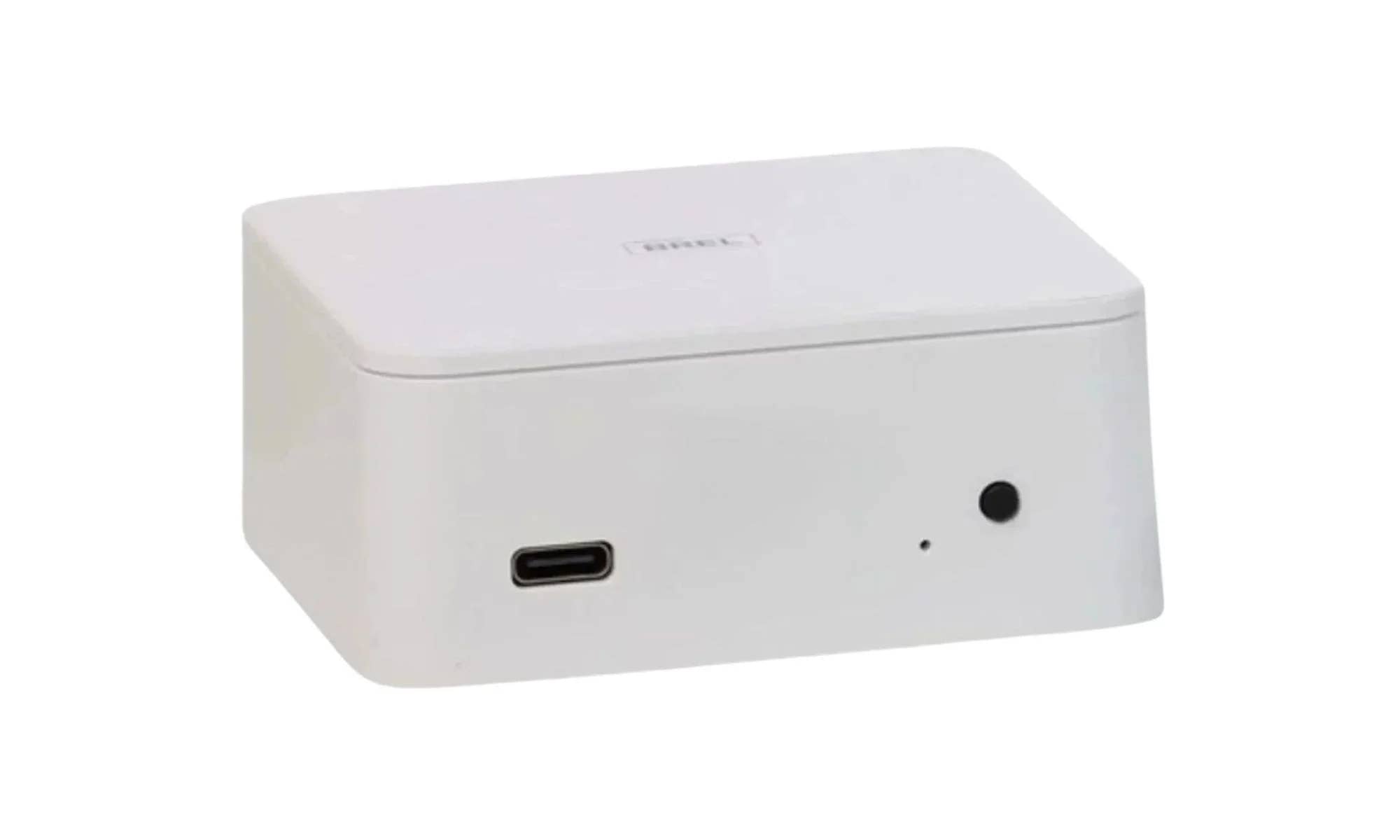
Use the Brel Home Hub-04 Matter to control your shading from a smartphone or tablet. The hub works with all bidirectional motors and shows the shading position in the app.
- App control: Open, close or set your shading to the desired position.
- Matter: Connect your shading to a Matter-compatible smart home system.
- Connection: Wi-Fi for the hub and 433.925 MHz for communication with the motor.
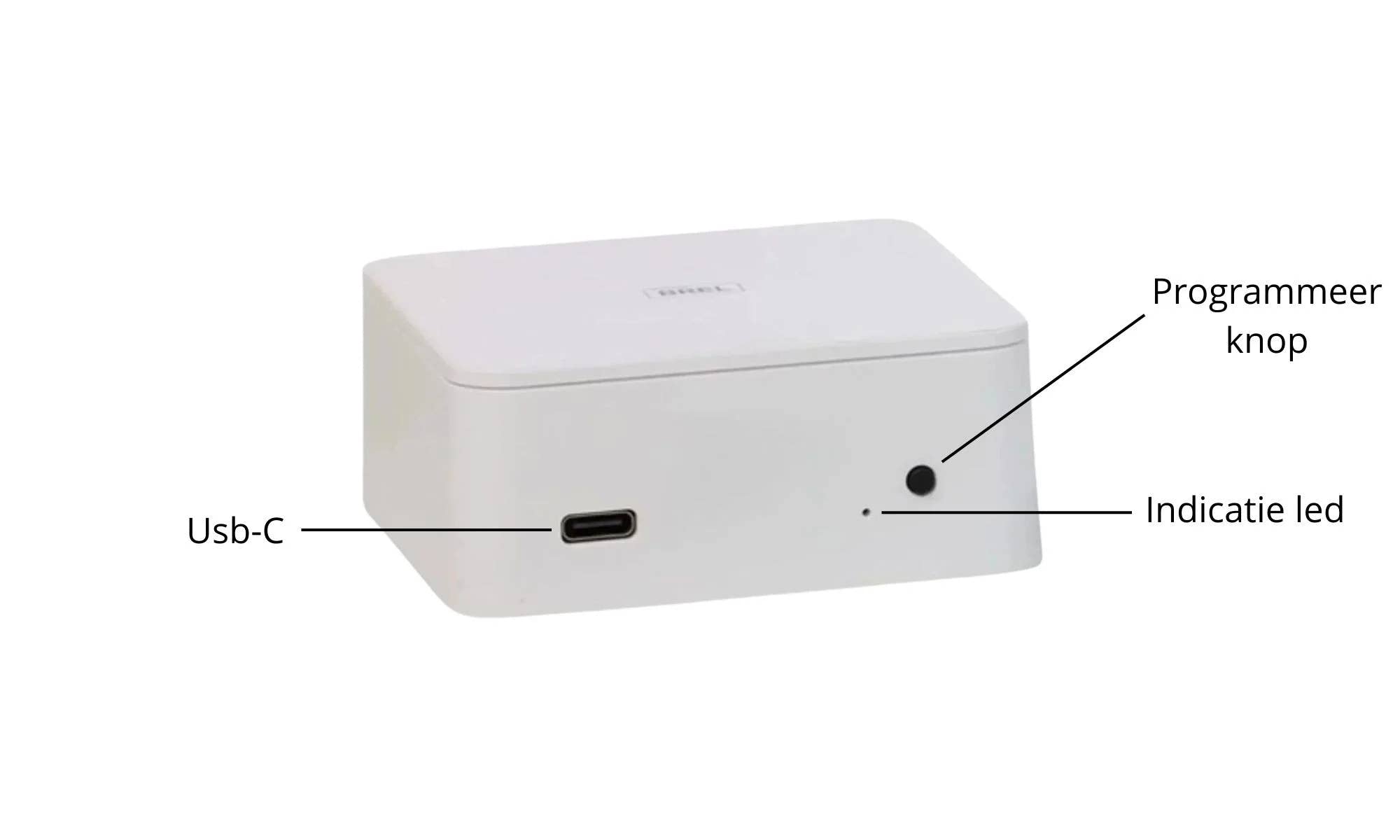
- Compact: 75 × 75 × 31 mm, with USB-C connection and 5 V power supply.
- Included: Hub, USB-C cable and power adapter.
Use the Brel Matter app to set up the hub and motors. See below for requirements, app links and a three-step installation guide.
You need this
- A bidirectional motor and its matching remote control.
- A smartphone or tablet with the Brel Matter app and an account using your email address.
- Your Wi-Fi network and Wi-Fi password.
- A power socket for the supplied adapter.
Using Matter too? Check the requirements of your own smart home system.
This is what's in the box
- Brel Home Hub-04
- USB-C-kabel
- Netadapter
Install in 3 steps
- Connect the hub. Connect the USB-C cable to the hub and the supplied power adapter.
- Connect to the app. Download the Brel Matter app, create an account and connect the hub to your Wi-Fi network.
- Pair your motor. Add a motor in the app. Press the P2 button on your remote control twice and select Pair. Give your shading a name and test the controls.
App for iPhone and iPad · App for Android
Having trouble pairing? Temporarily move the hub closer to the motor. Installation help via WhatsApp
Which hub works with your motor?
Hub 04: compatible with all bidirectional motors. Control your shading and see its position in the app.
Hub 03: compatible with all unidirectional and bidirectional motors.
Matter and your smart home
The Hub 04 supports Matter. This lets you connect your shading to a Matter-compatible smart home system, such as Apple Home or Amazon Alexa.
The extra devices or settings you need depend on your smart home system. Control through the Brel app works once the hub and motor have been set up.
Extended range
Place the hub in a central location in your home. The range between the hub and motor is up to about 20 metres, depending on your home and any obstacles.
Standard 3-year warranty
You receive a standard 3-year manufacturer's warranty on the Hub 04.
Delivery
In stock? We dispatch the same day. Is the Hub 04 temporarily out of stock? Check the expected dispatch date beside the price.
Available shipping options and charges appear after you enter your address in the cart or at checkout.
Frequently asked questions
Can I return?
You can return the Brel Home Hub 04 to us up to 30 days after delivery.
Does the Home Hub 04 work with my motor?
Yes, the Hub 04 works with all bi-directional motors. Do you have a monodirectional motor? Then the Hub 03 is suitable: it supports both mono- and bi-directional motors.
Do you also ship abroad?
Yes. Available countries, delivery options and rates are shown at checkout after you enter your address. If the Hub 04 is in stock, we ship it the same day. Otherwise, the estimated dispatch date shown with the price applies.
Can you help with the installation?
You will find the installation steps and manual on this page. Can't figure it out? Send us a WhatsApp message. On-site installation is upon request; please contact us for costs.
Where can I read your reviews?
Read our customers' experiences on Google.


